Feature
Log a meal in two seconds.
Add Snap a meal to your Action button, Control Center or Lock Screen once. After that, one press opens the camera from anywhere on your iPhone: take one photo, put the phone away, and the meal is read and added by itself, with Undo on the Lock Screen. You can also ask Siri.
 Coming soon to theApp Store
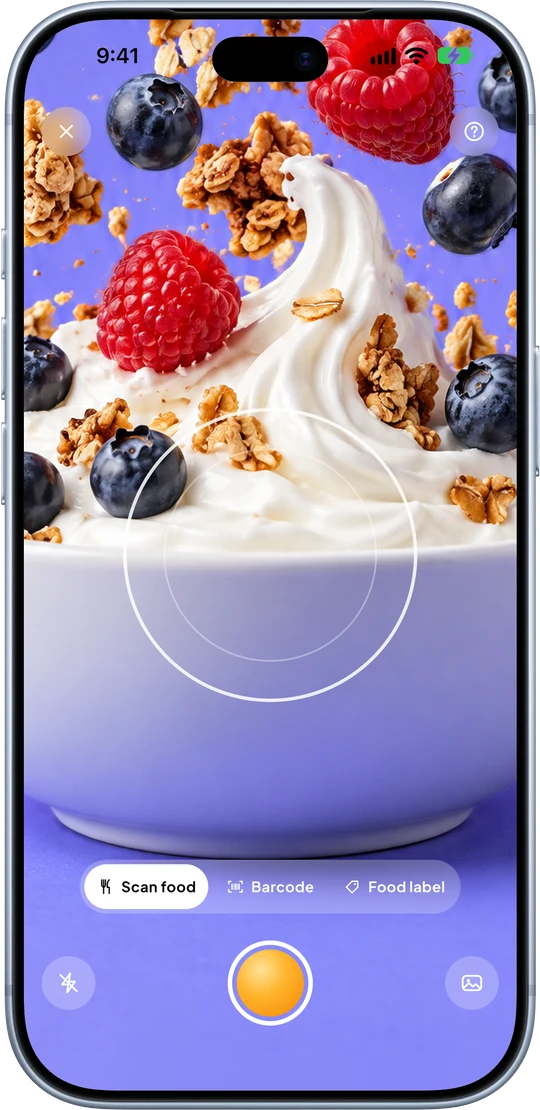
The hardest meal to log is the one you meant to log later. You can snap a meal from the Action button, Control Center, the Lock Screen or Siri, and get back to your day. The point is to take the photo while the plate is still in front of you, then get back to your meal.
How it works
Snap a meal opens the camera with one press, and one photo is read and added by itself, with Undo on the Lock Screen. In a quick log, one photo logs the meal. The photo goes to the AI, the meal lands on your day, and the Undo is there if the read was wrong.
Set it up once
An iPhone doesn’t let an app put itself on the Action Button, in Control Center or on the Lock Screen, so you add Snap a meal yourself, once. Pick one of these:
| Where | How to add Snap a meal |
|---|---|
| Action button | Open Settings, then Action Button. Swipe to Controls, tap Choose a Control and search for Fond. The Action Button way needs an iPhone 15 Pro or later. |
| Control Center | Swipe down from the top-right corner, touch and hold an empty space, then tap Add a Control. |
| Lock Screen | Touch and hold the Lock Screen, tap Customize, then Lock Screen. Tap the minus on a bottom button to remove it, then the plus in its place. |
| Siri | Ask Siri to snap a meal. |
In the app, Log in 2 seconds shows the steps for each place and lets you try it now.
Good moments for a quick log
- A coffee and a pastry at a café, before the first bite.
- A pan of paella or a pot of curry in the middle of the table, before it’s shared out.
- A sandwich at your desk, when opening an app feels like too much.
Where Fond helps, and where it doesn’t
A quick log trades a check for speed. One photo is read and added as it is, so if the plate hides something (the oil, a second slice under the first), the meal can come out short or long. When the read looks wrong, tap Undo and log it again from the app, where you can add more shots and fix portions before adding. A quick log still uses the AI, so it counts as an AI use. Your first 5 AI uses (photo reads, typed or said meals and Ask) are free. Meal photos and words are read by OpenAI through Loopware’s relay, and AI reading can be turned off in Settings.
Questions and answers
Which iPhones have the Action button?
The Action Button way needs an iPhone 15 Pro or later. On other iPhones, use Control Center, the Lock Screen or Siri.
Can I check the meal before it’s added?
A quick log skips the review to save you time. Snap a meal opens the camera with one press, and one photo is read and added by itself, with Undo on the Lock Screen. If you want to check portions first, open the app and snap the meal from the log bar. A meal read from a photo waits for you to check it: nothing is logged until you tap Add. Typed or said meals are added as read.
Why can’t Fond add the button for me?
An iPhone doesn’t let an app put itself on the Action Button, in Control Center or on the Lock Screen, so you add Snap a meal yourself, once.
Sources
What this page says about Fond was checked against the app on .
Get Fond
Logging, barcode scans, food search, your plan and your progress are free.
Coming soon to theApp Store